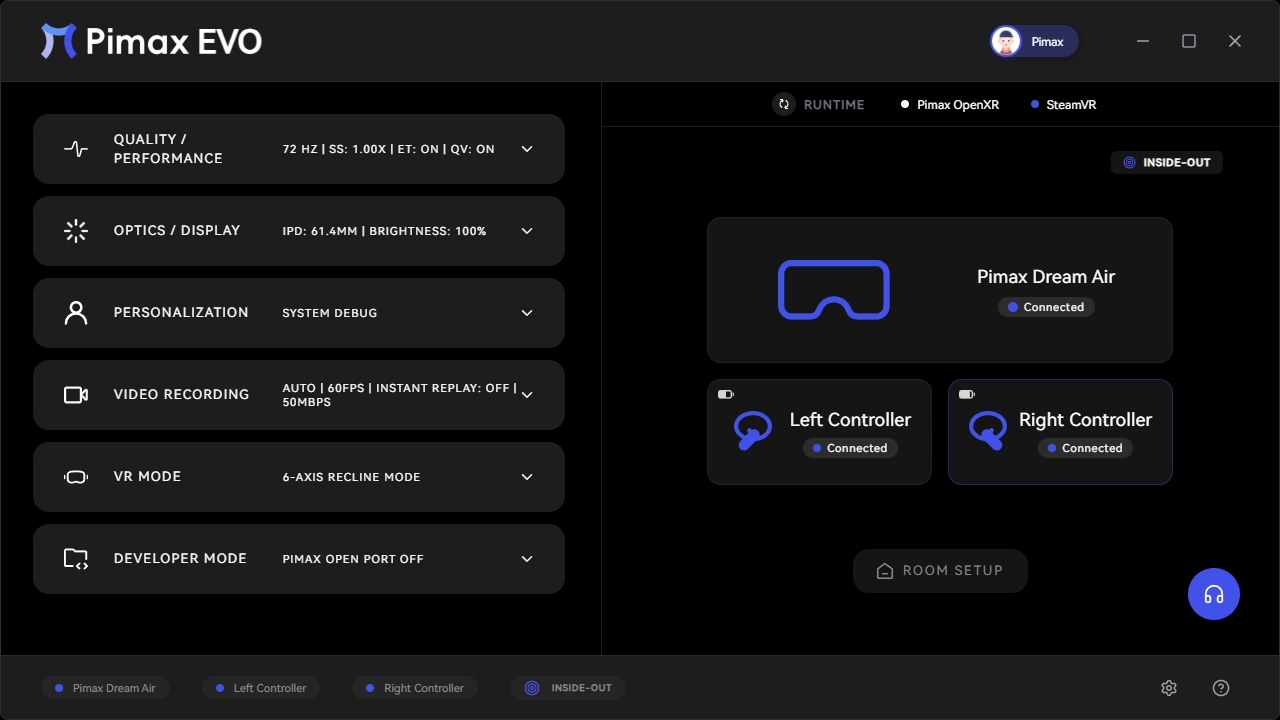
Pimax Play Evo
A separate client. A separate team. Built to experiment. Five new features pushing the frontier of VR software.
Five new frontiers.
Evo launches with five experimental features designed to push the boundaries of what VR software can do.
PIMAX PLAY EVO CLIENT
Experimental pipeline · Active sandbox
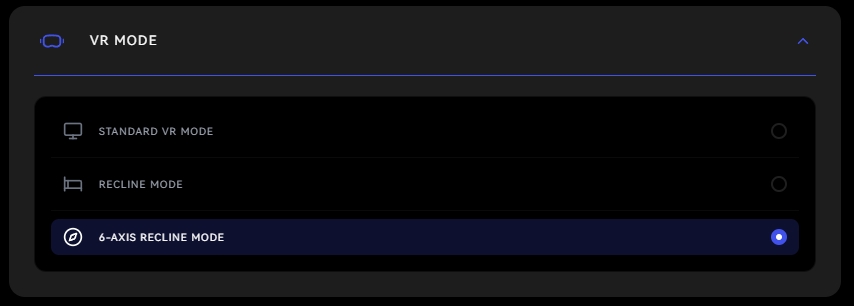
6DOF Recline Mode
Calibrate your space for seated comfort. Move, tilt, and lounge without losing alignment.
Room Offset
Shift your virtual room coordinate space on the fly. No base station recalibration required.
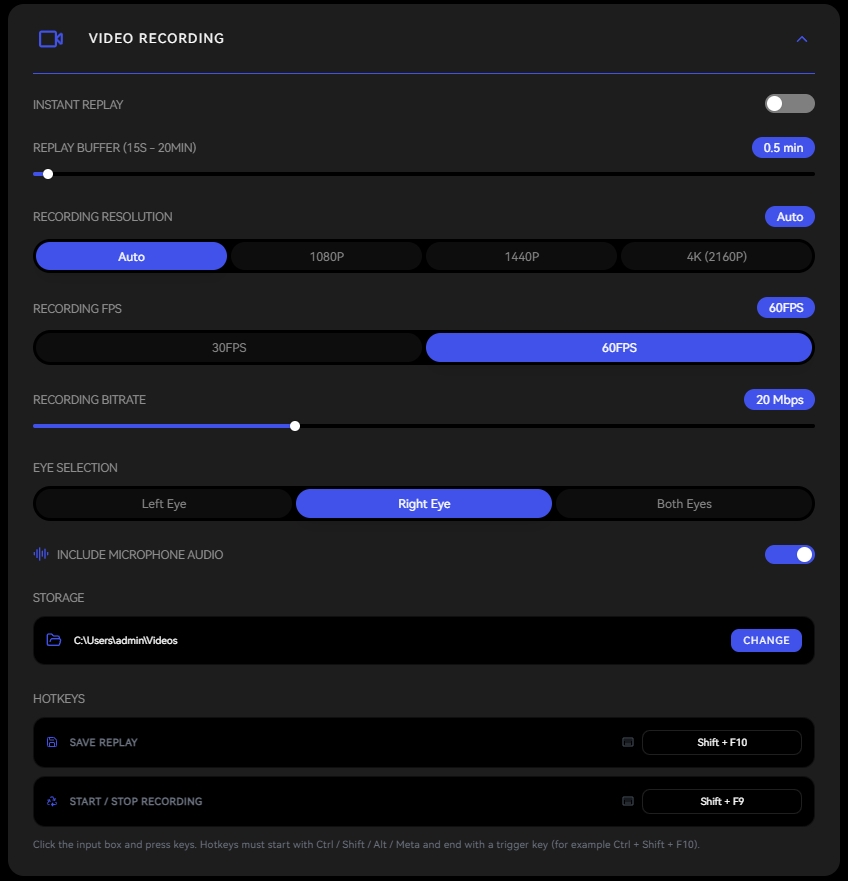
Video Recording
Capture high-bitrate stereoscopic or flat footage directly from the Pimax display pipeline.
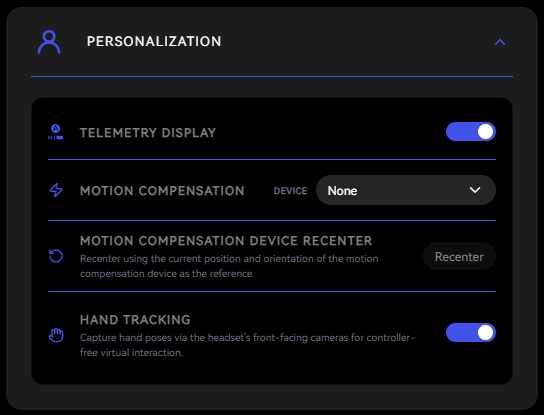
Hand Tracking
Navigate, click, drag, and swipe — no controllers needed.
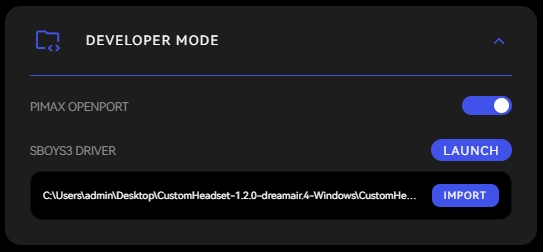
Open Port
Third-party plugins directly in the Pimax display pipeline.
Built to experiment.
Designed to evolve.
Evo runs in parallel with mainline Pimax Play — a dedicated space to develop experimental features, time-limited projects, and tools for the edge cases. When something works, it earns its place in Pimax Play.
A separate client. A separate team.
- Runs in parallel with mainline Pimax Play — your existing setup stays untouched.
- Dedicated space for experimental features, time-limited projects, and tools for specific use cases.
- When something works, it earns its place in Pimax Play.
6DOF Recline Mode
Horizon stays level regardless of body angle. Tilt, lay down, or recline fully without losing alignment.
Evolution has a logic.
Pimax Play grew up. Maturity has a cost: the freedom to experiment, to fail, to build for the edge cases. Evo gives that freedom back.
Comfort, Redefined.
6DOF Recline Mode lets you watch, browse, and explore VR lying down — without the world tilting with you.
6DOF Recline Mode
Play VR lying down. Watch movies, hang out in social VR, or just kick back — without the view tilting upward. The horizon stays level regardless of body angle.
A New Vantage Point.
Room-Tracking Offset frees your viewpoint from your body's position — step outside the cockpit and see your world from anywhere.
Room-Tracking Offset
Shift your virtual coordinate space independently of your physical position. Lean out of a cockpit, peer around corners, or reposition your playspace — all without recalibrating base stations.
Capture Every Frame.
Video Recording captures exactly what you see inside the headset — menus, overlays, and rendering effects included.
Video Recording
Capture exactly what you see inside the headset — menus, overlays, and rendering effects included. When Quadview is active, the recording reflects the sharp center and blurred periphery, exactly as experienced.
No Controllers Needed.
Hand Tracking turns your hands into the controller — navigate, click, drag, and swipe across supported games and apps.
Hand Tracking
Navigate, click, drag, and swipe — no controllers needed. Uses the headset's SLAM cameras to track finger and hand positions in real time.
Open By Design.
Open Port opens the Pimax Play display pipeline to verified third-party plugins — starting with a native SteamVR driver built with Sboys3.
Open Port
We're opening up the Pimax Play display pipeline to verified third-party plugins. First up: a native SteamVR driver built together with Sboys3. Switch between Pimax's own compositor or run as a native SteamVR headset.
Gallery
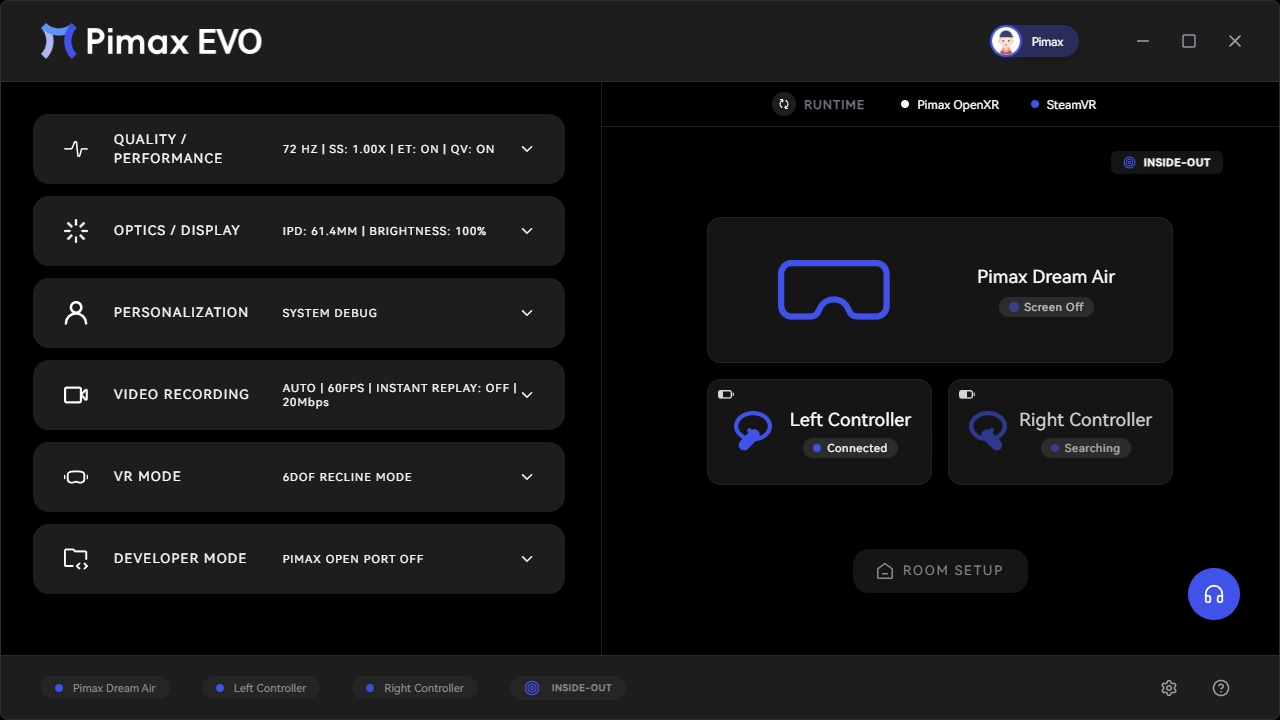
Evo in Detail. A closer look at the interface — features, settings, and the moments in between.
PC requirements.
Game Partners
Evo is optimized for simulation titles that benefit from these experimental features.
Complete specs.
Common questions.
Register now. Stay free for 6 months.
Everyone who registers during this launch period keeps all new features free for the next 6 months.
By entering your email you agree to receive product updates from Pimax. Unsubscribe