Connection
Headset not detected, cables and ports
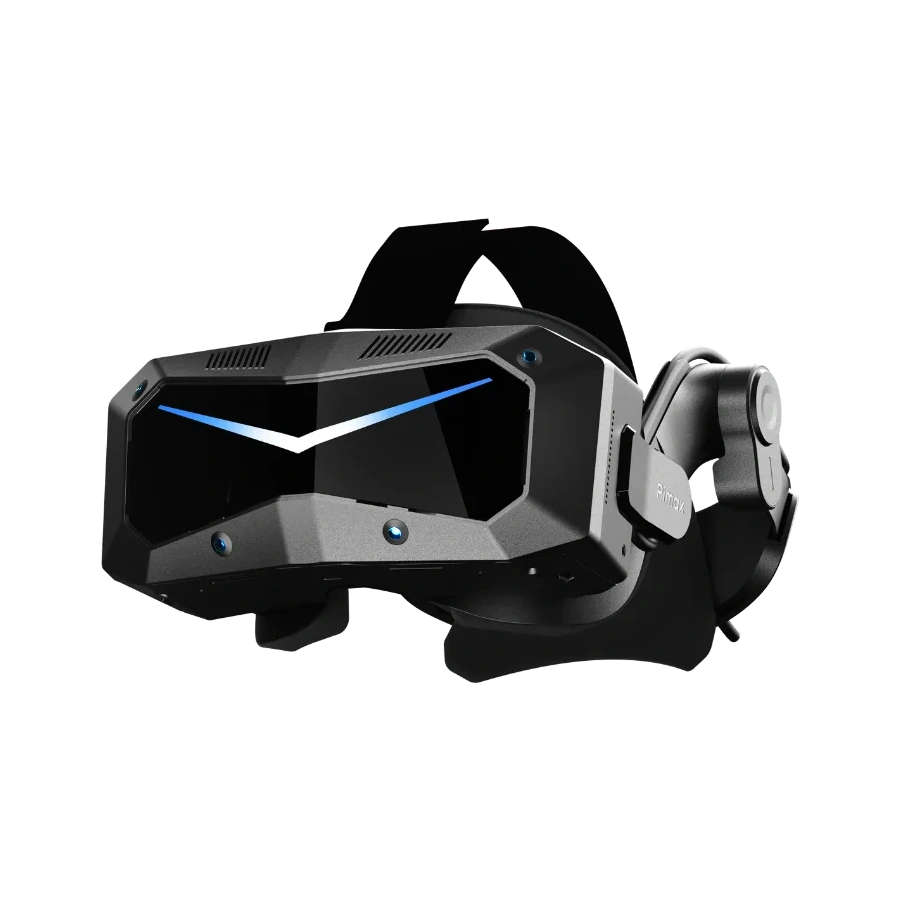
Step-by-step instructions for setting up and using Crystal Super.
Quick answers about Crystal Super.
Something not working? Choose the area where you see the problem. Articles open in the Pimax Help Center.
Headset not detected, cables and ports
No image, flicker, color or clarity
Headset and controller tracking
No sound, microphone not working
Comfort, fit, IPD and blur
Pimax Play, SteamVR and game compatibility
Calibration and foveated rendering
Stutter, low frame rate, reprojection
Pimax Play, firmware and the Crystal Super user manual.
| Specifications | 50 PPD | 57 PPD | Ultrawide | 8K Micro-OLED |
|---|---|---|---|---|
| Display | QLED + Mini-LED | QLED + Mini-LED | QLED + Mini-LED | Sony Micro-OLED |
| Pixel density | 50 PPD | 57 PPD | 50 PPD | 53 PPD |
| Resolution per eye | 3840 × 3840 | 3840 × 3840 | 3840 × 3840 | 3840 × 3552 |
| Horizontal field of view | 127° | 106° | 140° | 116° |
| Max. refresh rate | 90 Hz | 90 Hz | 90 Hz | 90 Hz |
Values apply to each optical engine separately. Compare all Crystal Super models
CPUs and GPUs are grouped by relative performance. Each model is listed once. Actual experience varies with games, settings, drivers and hardware.
* RTX 3090 Ti: some headset and connection combinations may have DisplayPort connection issues. If you have a connection problem, contact our support team.
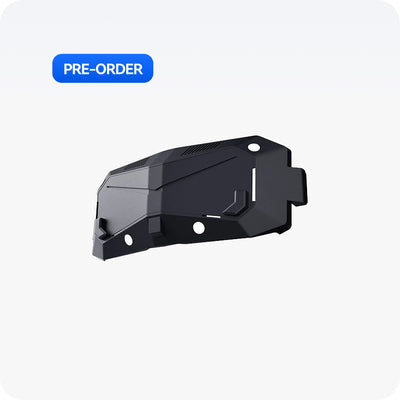
Full compatibility guideCompatible accessories and how to install and care for them.
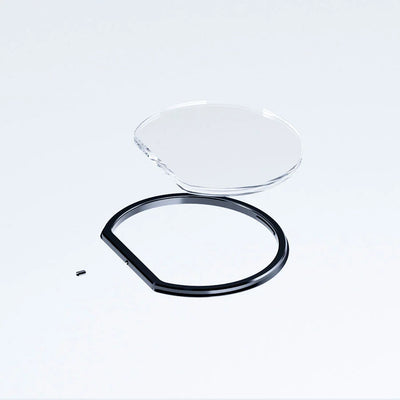
For micro-OLED optics. Myopia correction only.

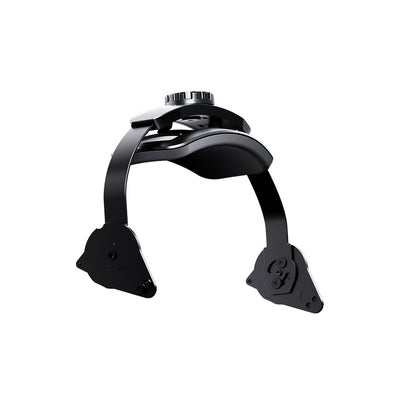

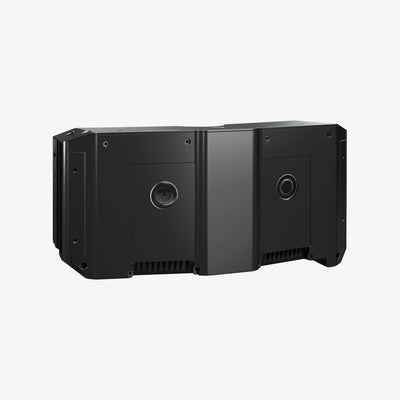
Before buying a separate optical engine, contact our support team to confirm it matches the connector on your headset.
Headsets are covered for 12 months from the date you receive or activate them, whichever is later. If the headset is not activated within 10 days of receipt, the warranty starts from the date of receipt. Controllers and base stations included in the box have the same period. Accessories are covered for 6 months from the date of receipt. Extended warranty is available in Pimax Play within 30 days of activation and covers the headset main unit. Where local laws set a different warranty period, local law applies. Check your warranty status in Pimax Play with the headset connected.
For headset issues, use Pimax Play. Run Device Diagnostic, then submit a ticket from the results screen. Your system info and log are attached automatically. You can also reach us through Live Chat in Pimax Play.
 How to Create a Support Ticket and Export a Log
